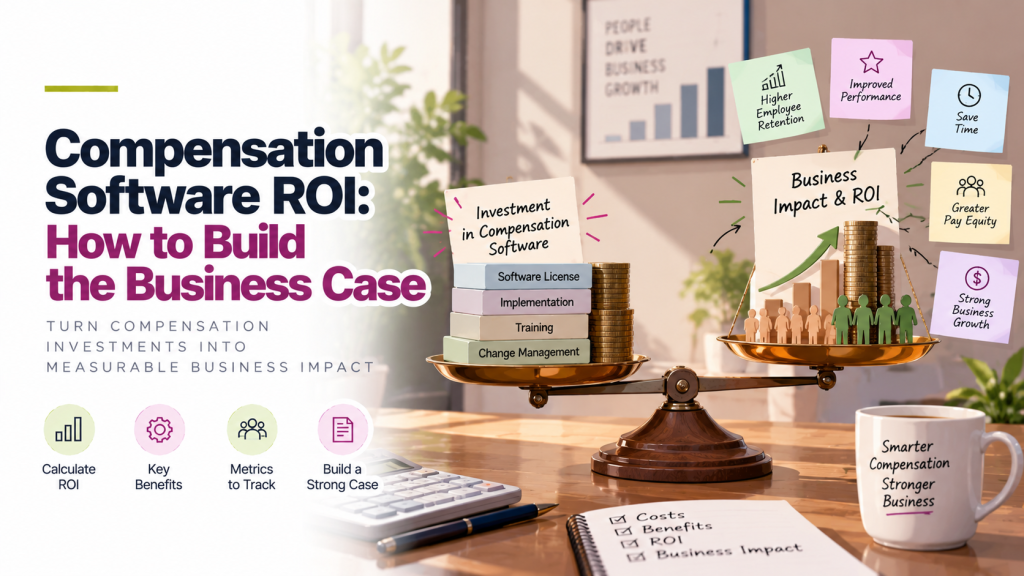
To build a business case for compensation software, add up what your current process costs in HR time, manager time, budget overspend and pay-related turnover. Then compare that with the software’s annual cost. The ROI is the yearly benefit minus the cost, divided by the cost. Most of the return comes from fewer hours spent in spreadsheets and tighter control of the raise budget.
Why You Need a Business Case
Compensation software is usually approved by finance, and finance wants numbers. Saying that “the spreadsheet process is painful” won’t get a budget approved. A business case turns that pain into dollars, using your own data where possible.
Step 1: Measure What Your Current Process Costs
Start with your last comp cycle. Estimate the cost in five areas.
HR and total rewards time
How many people worked on the cycle, and for how long? Include building the master spreadsheet, preparing manager files, answering questions, chasing approvals, fixing errors and producing letters.
Manager time
How long did each manager spend on their recommendations? Include time spent working out budgets, checking pay ranges and asking HR questions.
Budget overspend
Did final increases come in above the approved budget? Even a small overspend on a large payroll adds up. On a $40 million payroll, overspending by 0.2 percentage points costs $80,000.
Errors
Count corrections needed after the cycle: wrong increase amounts, missed employees, payroll fixes, letters reissued. Each one costs time and trust.
Pay-related turnover
How many people left in the past year because of pay, or because they felt underpaid compared with others? Estimate what it cost to replace them, including recruiting, time to fill and ramp-up.
Step 2: List the Costs of the Software
Include everything, so finance trusts the numbers:
- Annual subscription
- Implementation and setup time for your team
- Time to train managers
- Any integration work with your HRIS or payroll
Implementation time varies by product. Stello AI rollouts take 2 weeks.
Step 3: Estimate the Benefits
For each cost area, estimate how much the software would reduce it. Be conservative. A business case that’s slightly cautious is easier to approve than one that looks too good.
Companies using Stello AI generally save two to three weeks of manual work per cycle, which is a useful starting point for estimating HR time.
Step 4: Calculate ROI and Payback
Two simple formulas are enough:
ROI = (Annual benefits − Annual cost) ÷ Annual cost
Payback period (months) = Annual cost ÷ (Annual benefits ÷ 12)
A Worked Example
A company with 500 employees and a $40 million payroll runs one merit cycle a year.
| Benefit | Assumption | Annual value |
|---|---|---|
| HR time saved | 3 people × 120 hours × $60/hour | $21,600 |
| Manager time saved | 40 managers × 4 hours × $90/hour | $14,400 |
| Budget overspend avoided | 0.2% of $40M payroll | $80,000 |
| Pay-related exits avoided | 2 employees × $45,000 replacement cost | $90,000 |
| Total benefits | $206,000 |
| Cost | Assumption | Annual value |
|---|---|---|
| Software | Example annual cost | $40,000 |
| Internal setup time | 40 hours × $60/hour | $2,400 |
| Total cost | $42,400 |
ROI: ($206,000 − $42,400) ÷ $42,400 = about 386%
Payback: 42,400÷(206,000 ÷ 12) = about 2.5 months
All figures are illustrations. Replace them with your own numbers.
Even without the turnover savings, which are the hardest to prove, the benefits in this example are $116,000 against a cost of $42,400.
Step 5: Add the Benefits That Are Hard to Count
Some of the most important benefits don’t fit in a spreadsheet. Mention them in a short section, without putting a number on them:
- Pay equity risk. Spotting gaps before raises are approved, not after.
- Pay transparency readiness. Defensible salary ranges for job postings in states that require them.
- Data security. Salary data in one access-controlled system, not emailed files.
- Audit trail. A record of who changed what, which spreadsheets don’t keep.
- Manager and employee experience. Clear budgets for managers and clear statements for employees.
How to Present the Business Case to Finance
- Lead with the total. “This saves about $116,000 a year before turnover, against a $42,400 cost.”
- Show your assumptions. Finance will test them, so make them easy to check.
- Use your own data. Real numbers from your last cycle beat industry averages.
- Offer a conservative case. Show the result without turnover savings too.
- Tie it to timing. Explain what has to happen before your next cycle for the benefits to land this year.
For more on presenting to finance, see How to Present the Compensation Budget to Your CFO .
Frequently Asked Questions
How do you calculate compensation software ROI?
Subtract the software’s annual cost from the yearly benefits it brings, then divide by the cost. Benefits usually include HR and manager time saved, less budget overspend, fewer errors and lower pay-related turnover.
What’s the biggest source of ROI from compensation software?
For most companies, it’s tighter budget control and time saved. On a large payroll, even a small reduction in overspend can be worth more than the software costs.
How long does it take for compensation software to pay back?
It depends on payroll size and how manual your current process is. Many business cases show payback within the first cycle.
What should a compensation software business case include?
Current process costs, software costs, estimated benefits, ROI and payback calculations, benefits that are hard to count, and the assumptions behind every number.
Who approves compensation software?
Usually the CHRO or head of total rewards, with sign-off from finance, often the CFO.